

Courting Creations
Custom DTF Transfer – Hot or Cool Peel (Single Image)
Custom DTF Transfer – Hot or Cool Peel (Single Image)
Please confirm your artwork is print-ready or add DTF Artwork Cleanup before continuing.
Please enter your requested color change before continuing.
Couldn't load pickup availability
How to Apply Your DTF Transfer
HOT OR COOL PEEL | Ready to press
- Pre-press your garment for 3–5 seconds.
- Place transfer design-side up. Press at 310°F for 10 seconds with medium pressure.
- Peel while hot or let cool before peeling.
- Cover with parchment paper and press again for 5 seconds.
View full heat press and washing instructions →
Starting settings only. Test on heat-sensitive fabrics.
Upload your artwork and get a custom DTF hot peel transfer sized for a single image. We print your 300 DPI PNG file exactly as provided so you can achieve crisp results on apparel, home textiles, or crafts using a heat press at 310-320°F. This listing is for individual images and is ideal for creating personalized designs with convenient shipping or local pickup options.
💰 BULK SAVINGS: Spend $50+ → 5% off | $100+ → 10% off | $300+ → 15% off
Automatically applied at checkout. No code needed.
⚠️ USING AI-GENERATED ARTWORK?
AI-generated images may contain hidden white halos, white fringe, glows, shadows, or semi-transparent pixels that can become visible when printed with DTF, even if the background appears transparent on-screen.
When creating your artwork, tell your AI generator:
“Transparent background with clean, isolated edges. No white halo, white fringe, glow, drop shadow, or background-colored pixels around the edges. DTF print-ready artwork.”
IMPORTANT: Artwork is printed as submitted. Files requiring additional background removal or edge cleanup may require an artwork cleanup service before printing.
DTF Heat Press Instructions
Hot or cool peel! For application temperatures, pressing steps, and garment care, view our DTF Heat Press Instructions.
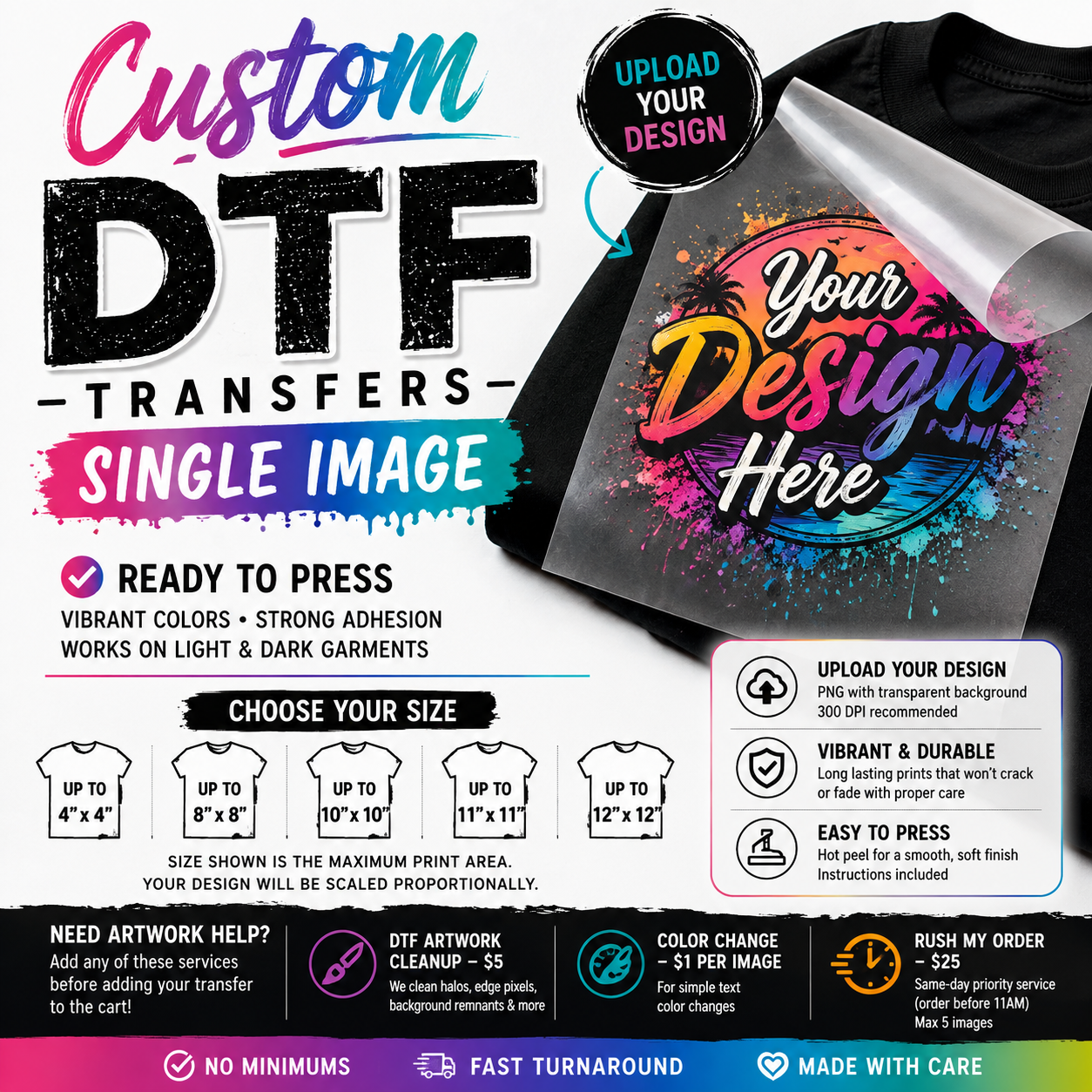
Custom DTF Hot Peel Transfer – Single Image
My go to for DTF prints, love the quality and the turnaround time is always great.
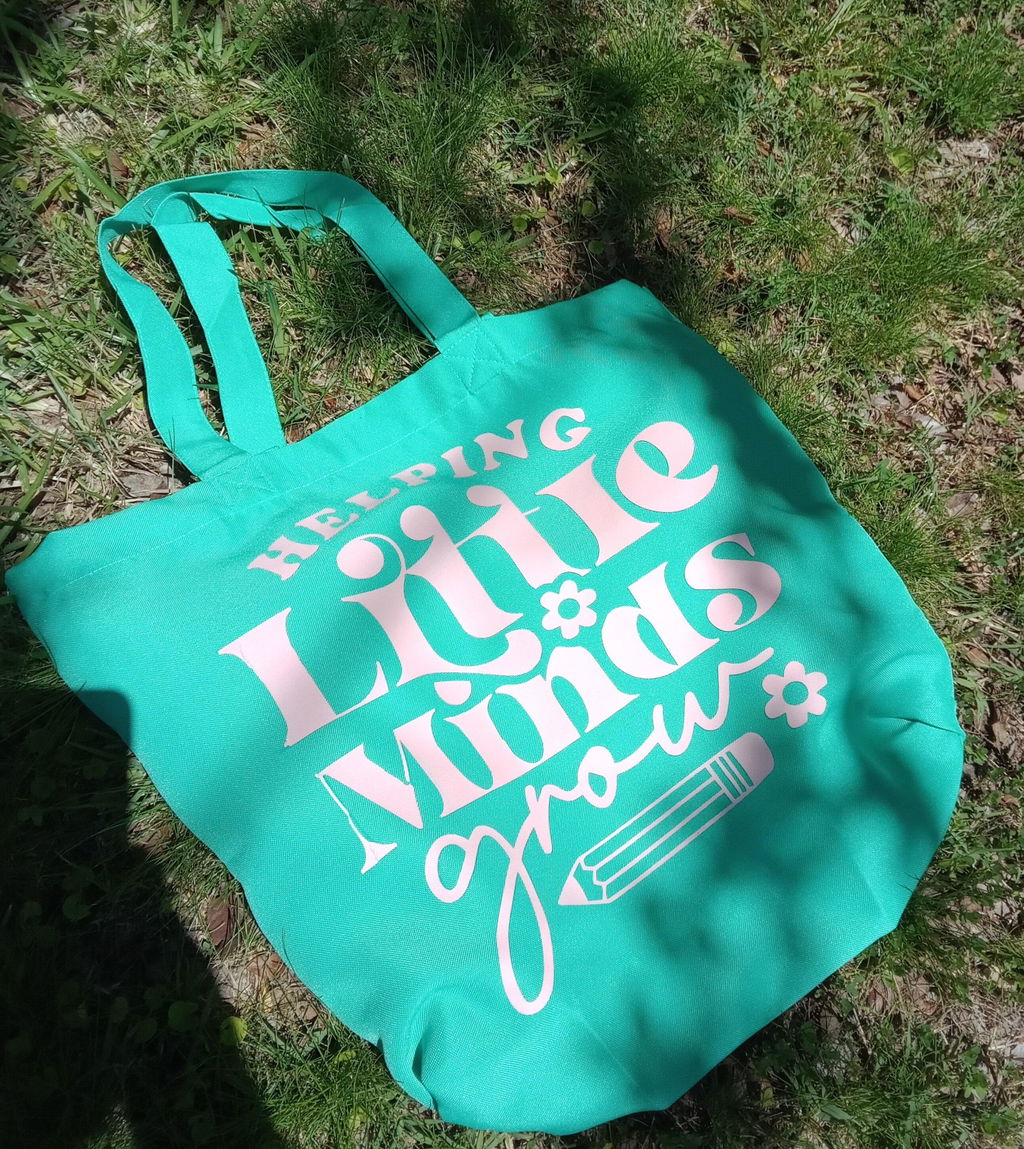
I mean she’s awesome prints are always great and easy and she’s an awesome person
High quality and communication 10/10
DTF Custom Print|Cold Peel Transfer|Single Images